Arcade Racer (Apple II) by Toolkitman
A downloadable game
1 HOME:PO=40:W=20
2 PRINT "AUTO RACE  A=LEFT  D=RIGHT"
3 FOR T=1 TO 999
4 L=INT(RND(1)*3)-1:PO=PO+L
5 IF PO<10 OR PO>70 THEN PRINT "GAME OVER":END
6 HOME:PRINT TAB(PO-W/2);"|";TAB(PO+W/2);"|"
7 PRINT TAB(PO);"A"
8 K=PEEK(49152):IF K=193 THEN PO=PO-1
9 IF K=196 THEN PO=PO+1
10 POKE 49168,0:NEXT
ARACER : Matteo Trevisan : Free Download, Borrow, and Streaming : Internet Archive
DESCRIPTION
THIS IS AN APPLE IIE ARCADE RACE GAME THAT WILL BE PLAYED WITH A FOR LEFT AND D FOR RIGHT, STAU IN THE MIDDLE OF THE STREET TO PLAY, IF YOU CRASH
OVER THE LEFT OR RIGHT SIDE YOU WILL END GAME.
CODE DESCRIPTION
1. HOME:PO=40:W=20
Clears the screen (HOME).
Sets PO = 40, which is the horizontal center position of the road.
Sets W = 20, which is the half-width of the road (so the road is 2*W = 40 characters wide).
2. PRINT "AUTO RACE A=LEFT D=RIGHT"
Prints a title and instructions at the top of the screen.
3. FOR T=1 TO 999
Starts the main game loop, repeating 999 times. Each iteration is one "frame" of the game.
4. L=INT(RND(1)*3)-1:PO=PO+L
RND(1) generates a random number between 0 and 1.
INT(RND(1)*3)-1 gives -1, 0, or +1, simulating a random horizontal shift of the road.
PO = PO + L moves the road center left or right randomly, creating curves.
5. IF PO<10 OR PO>70 THEN PRINT "GAME OVER":END
Checks if the road center (PO) has moved too far left (<10) or right (>70).
If yes, the player hits the side of the road → prints "GAME OVER" and stops the program.
6. HOME:PRINT TAB(PO-W/2);"|";TAB(PO+W/2);"|"
Clears the screen (HOME).
Draws the road boundaries using |.
TAB(PO-W/2) moves the cursor to the left edge of the road, prints |.
TAB(PO+W/2) moves the cursor to the right edge, prints |.
This creates a road of width 2*W centered at PO.
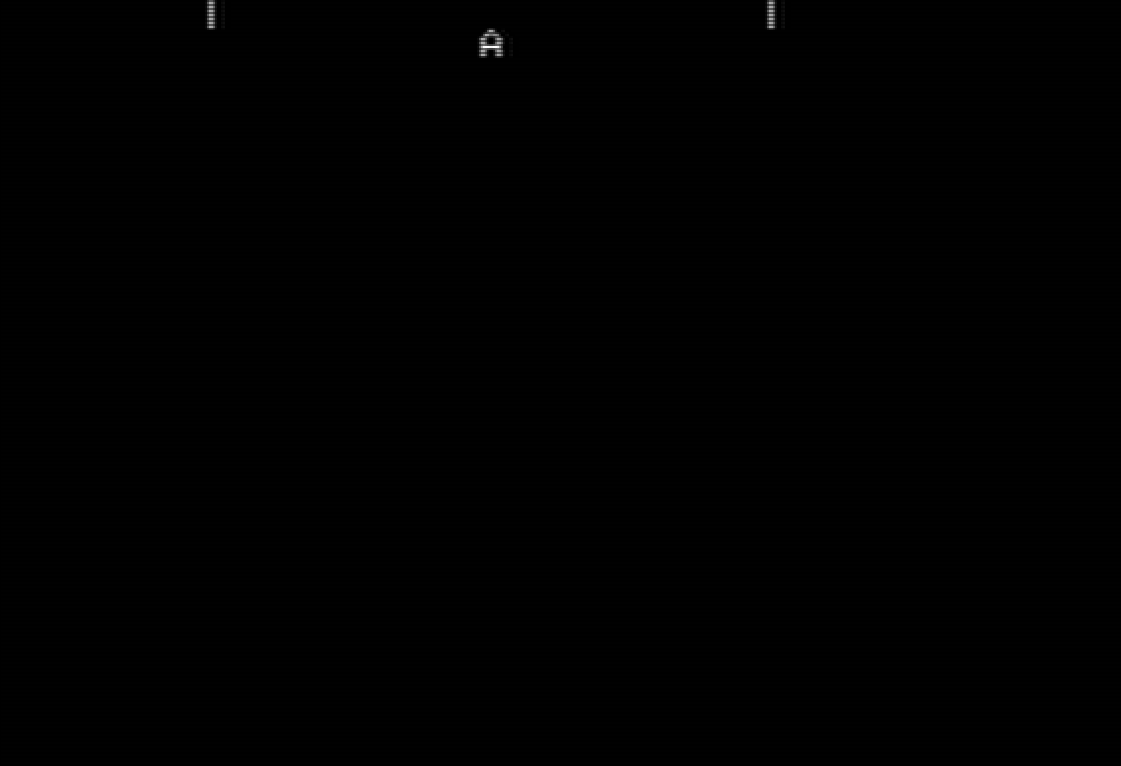
7. PRINT TAB(PO);"A"
Prints the player's car A at the horizontal position PO.
The car is visually inside the road.
8. K=PEEK(49152):IF K=193 THEN PO=PO-1
Reads the keyboard input from memory location 49152.
If the left arrow key (ASCII 193) is pressed, move the car left by 1 (PO = PO - 1).
9. IF K=196 THEN PO=PO+1
If the right arrow key (ASCII 196) is pressed, move the car right by 1 (PO = PO + 1).
10. POKE 49168,0:NEXT
Resets the keyboard buffer (POKE 49168,0) to prevent keypresses from repeating uncontrollably.
NEXT goes to the next iteration of the main loop, repeating the process.
✅ Summary:
Lines 1–2: setup screen, road position, width, and print instructions.
Lines 3–10: main game loop:
Randomly moves the road left/right to simulate curves
Checks for collisions with screen edges → game over
Draws the road and car
Reads keyboard to move car
Clears buffer and loops
The game is essentially a simple auto-racing game with a moving road and player-controlled car A.
Download
Comments
Log in with itch.io to leave a comment.
This game doesn't work as advertised; looking at the code it expects the screen to be 80 characters wide. That wasn't true on the 40 column Apple IIe unless you had the extra 80 column text expansion card. If you have one (and many emulators do) you can usually turn it on by typing PR#3 at the command line before running the program. That's not been done on the linked internet archive emulator (I'm pretty sure this isn't just me - all the screenshots attached to the internet archive emulation show the screen size is incorrect), but if you load it in another emulator like https://apple2ts.com/ that command is enough to make the game display correctly.
very good